
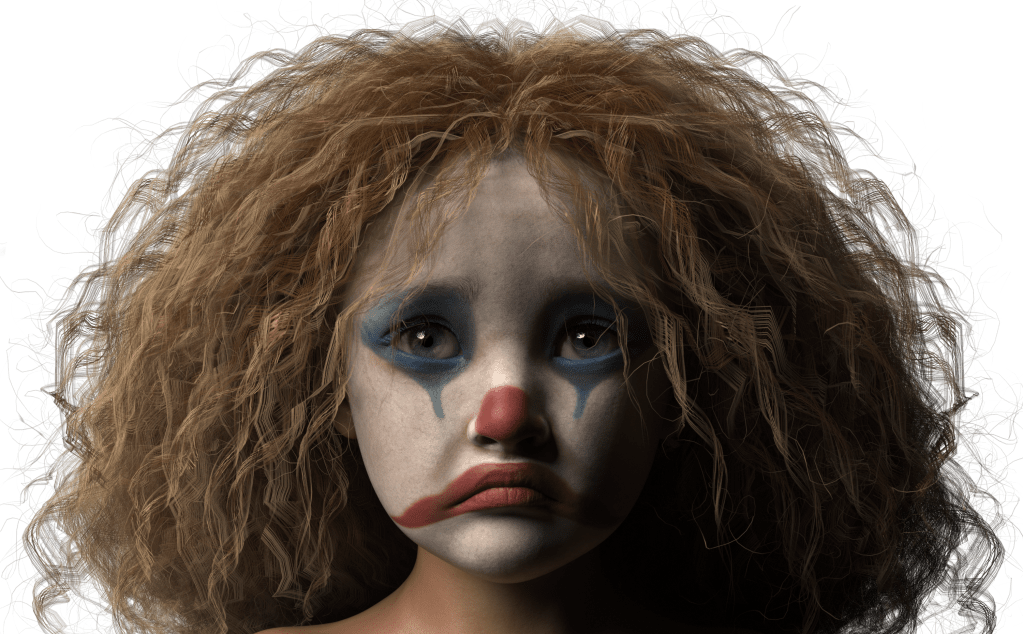
Images originally created in November 2024. Please scroll down for the other images.
My FB Photography group is currently a victim of clown mania! Our teacher recently released a clown collection that has backgrounds, clown costumes, clown overlays, and clown Photoshop actions. (She used Photoshop and AI for this collection.) Everyone is going crazy with them!
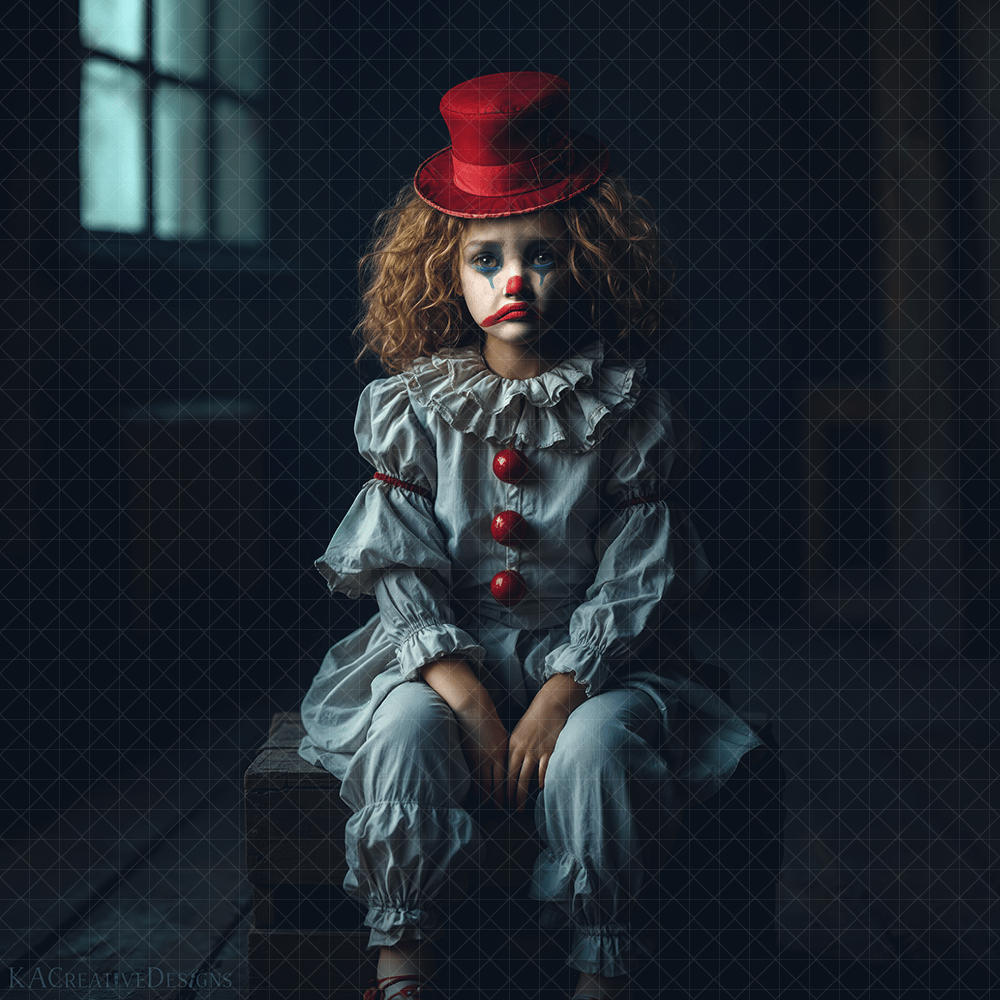
Clowns kind of freak me out. But I didn’t want to be a fuddy dud by being the only one not creating clown images. So, I created some. Then I got asked to create a step by step video of the entire process of how to add a client’s head to the backgrounds and costumes. So, since the teacher sells her collection I couldn’t use her images in the video. Which meant that I had to create the background and costume in NightCafe. All that to say here is the end result. The videos will be on my YouTube channel sometime soon. 🙂
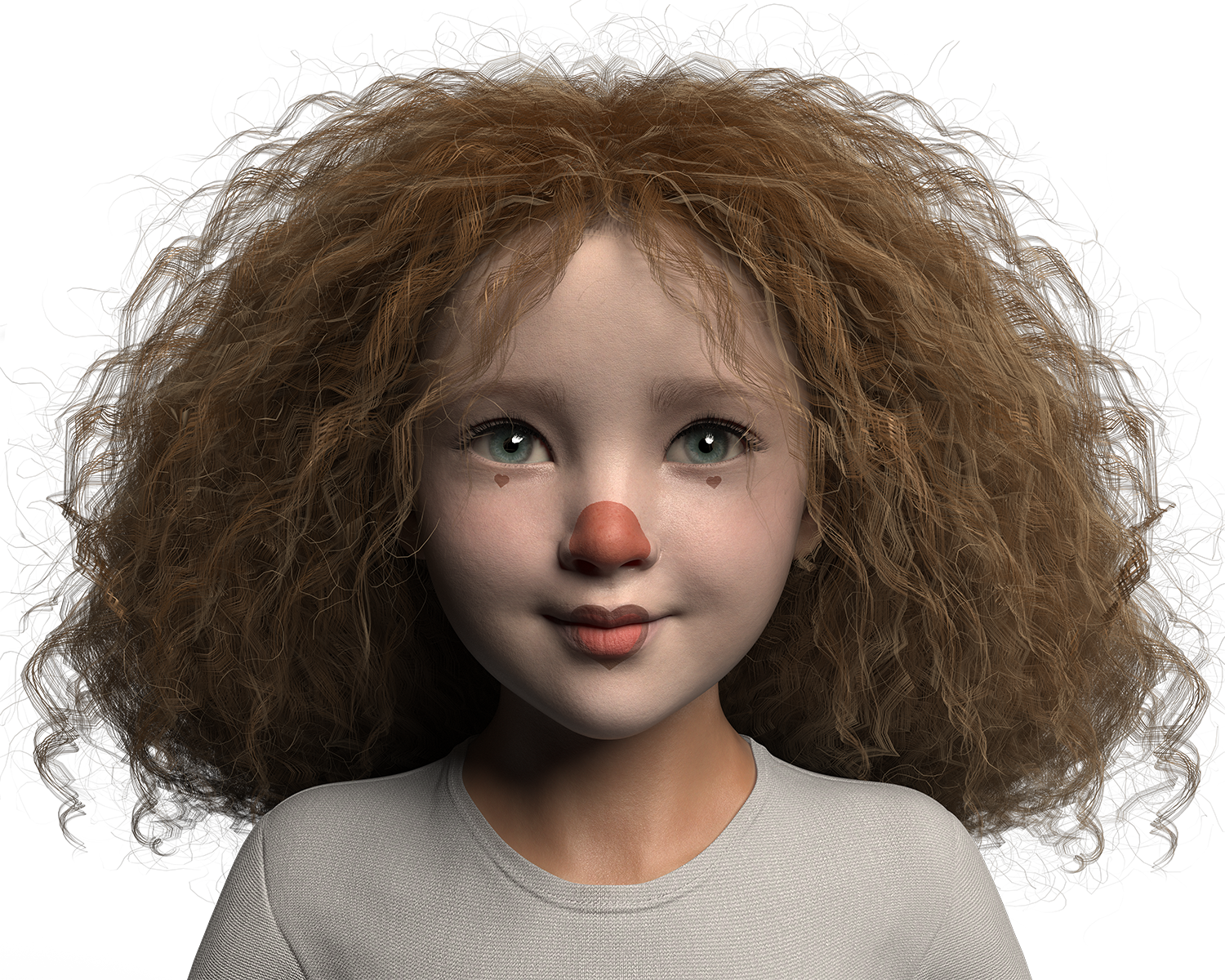
I started with my Daz character Zoe. I then took RawArt’s makeup from his Clown Carnival product into Photoshop to edit it. I was creating a sad clown which meant I had to flip the smile upside down for a frown and remove the blue eyebrows because Zoe’s head is so much smaller. (the eyebrows were up at her hairline :-)) Once the clown makeup was edited, I saved it so I could add it as a skin texture in Daz.
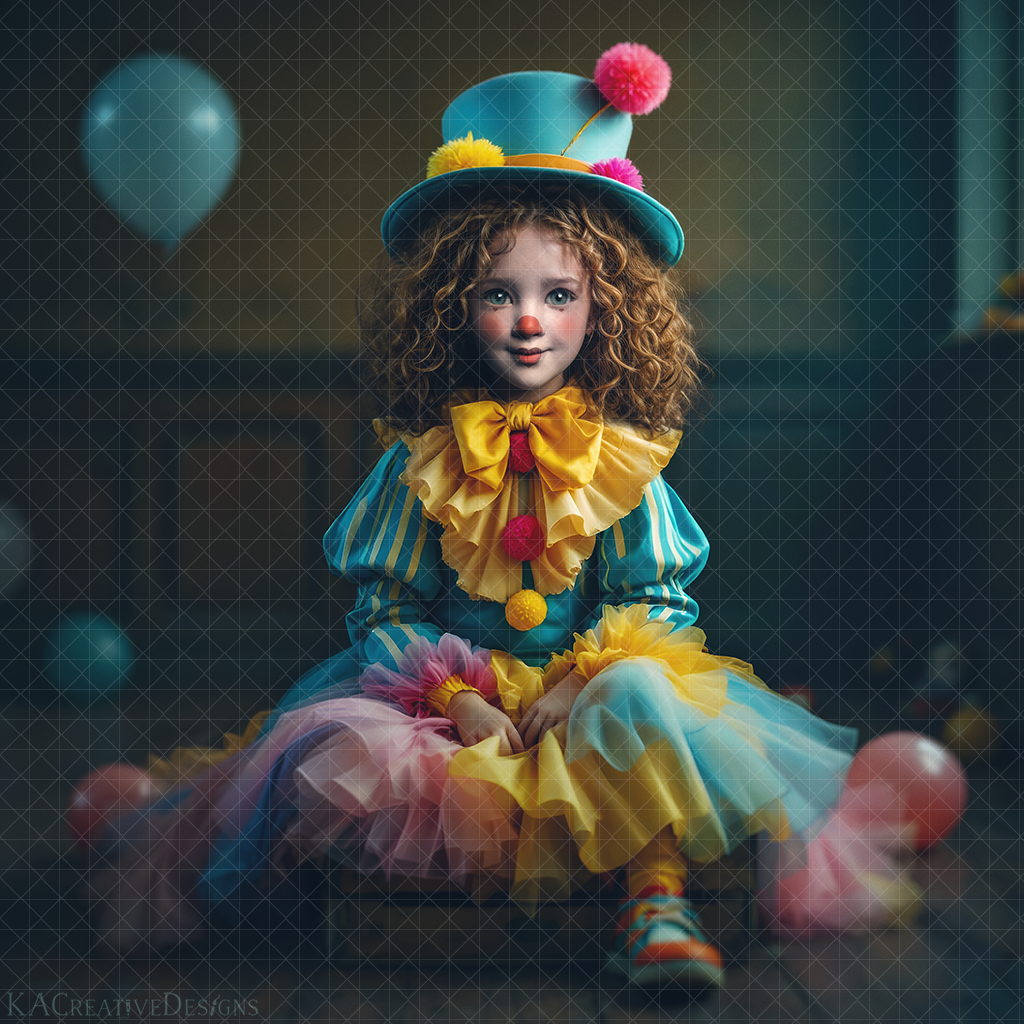
The background image and clown costume were created in NightCafe, upscaled in Freepik Pikasso, enlarged in Topaz, and edited in Photoshop. Hopefully the videos of the entire process will help those in our Photography group on how to use the clown collection for their clients (which is what they are all trying to do 🙂
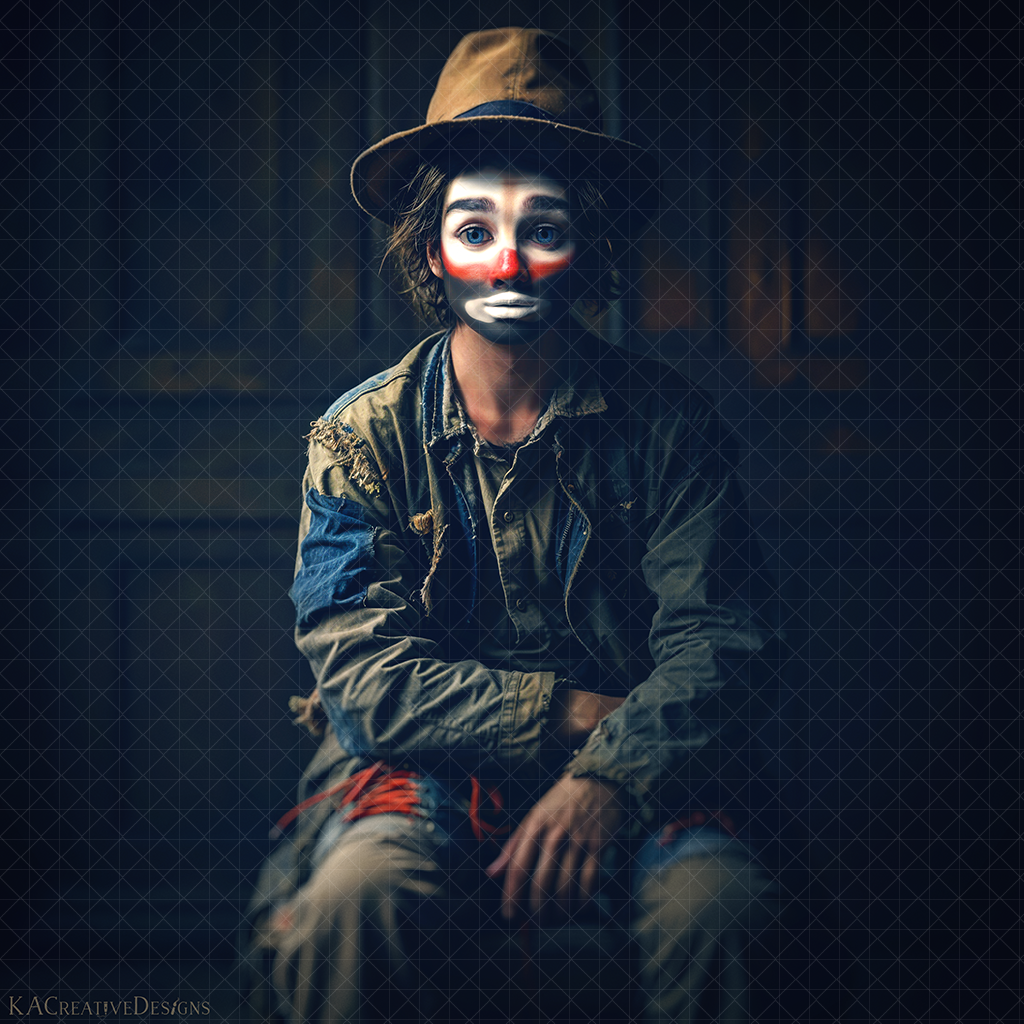
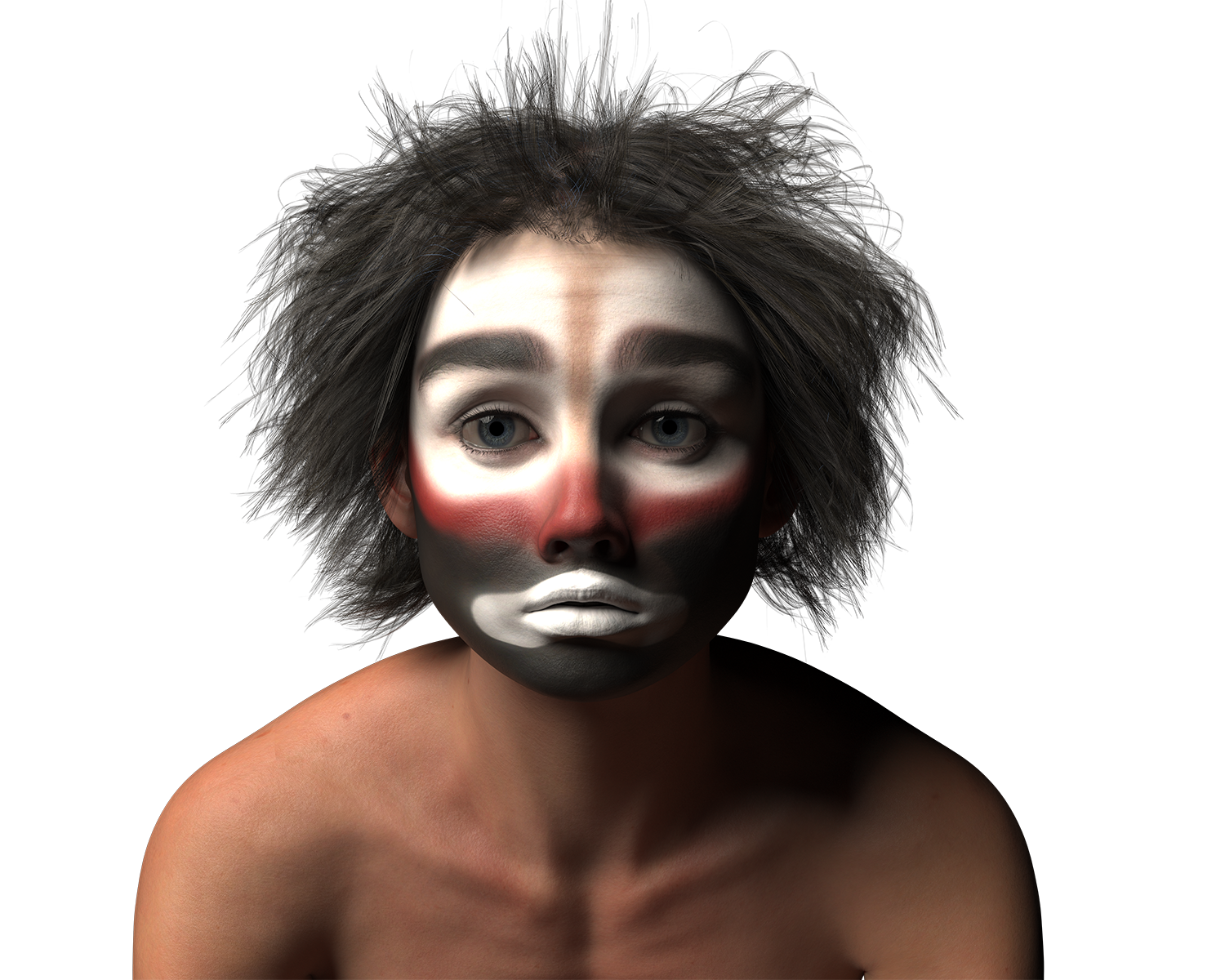
These are the other clown images in the series. Here is the link to the YouTube playlist for the creation of The Happy Clown.
 KACreativeDesigns